Digital signage built for restaurants
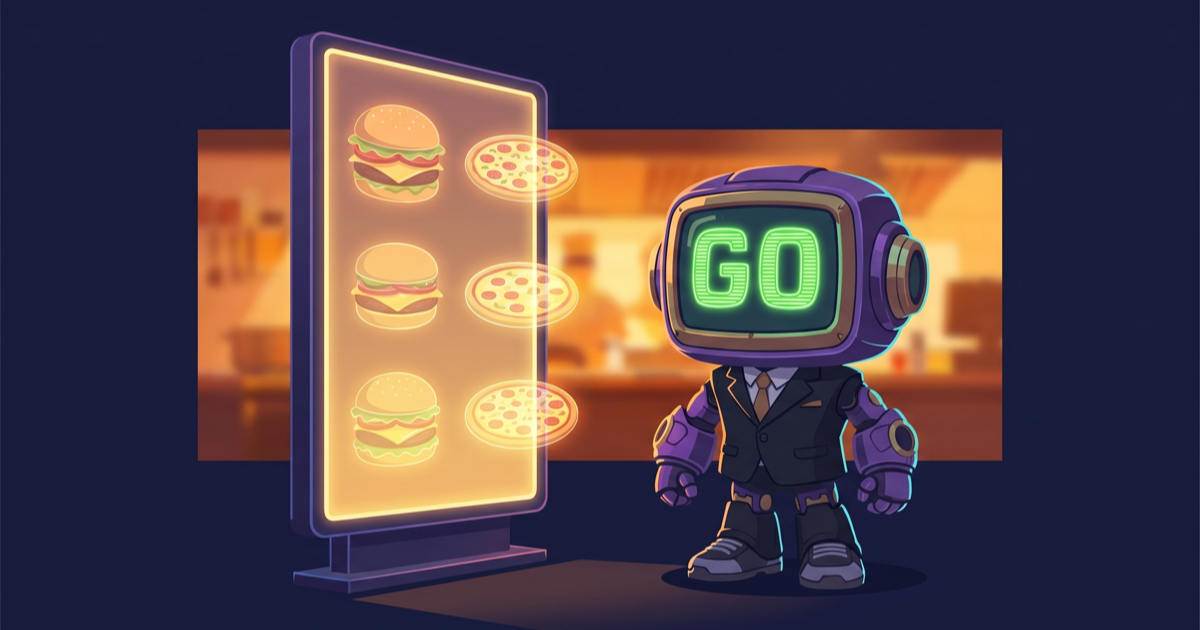
Daypart-scheduled menus that swap from breakfast to lunch automatically, instant price changes across all your locations, video walls behind the bar, kitchen-display fail-over for outages — all from a single cloud dashboard. GoVista runs on the LG, Samsung, or Android panels you already own.
Why GoVista for this industry
- 1.Update prices and menu items across all locations in under 15 seconds — no per-store visits
- 2.Daypart scheduling: morning menu, lunch menu, happy-hour menu auto-rotate without staff action
- 3.Multi-zone layouts: menu items + promo video + social feed + weather all on one screen
- 4.Local cache: menus keep playing even if the WiFi drops — content stays on screen during outages
- 5.WhatsApp approval: regional manager approves new menu from a phone before it goes live
- 6.Hardware agnostic: works with LG webOS, Samsung Tizen, Android tablets, or the panels you already have
Use cases
Real scenarios we solve for operators in this space.
Quick-service restaurant chain
20-location burger chain pushes a new combo deal to all menu boards from one dashboard in under a minute. Daypart rules auto-swap breakfast menu to lunch at 10:30 AM across every store, accounting for store-local timezones.
Cafe with multi-zone display
Single screen splits into 3 zones: menu items on left, hero promo video on right, social feed and weather on bottom strip. Each zone schedules independently — promo video changes hourly while menu stays stable.
Restaurant + bar with video wall
Behind the bar, a 4-panel video wall plays synced cocktail content. GoVista's Novastar integration drives the wall directly. During match nights, the wall switches to live sports automatically based on schedule.
Multi-brand restaurant group
Parent company manages three sub-brands (burger, pizza, kebab) from one GoVista account. Each brand has its own logo, content library, and store list — no cross-brand content leak. Regional managers approve menus via WhatsApp.
Recommended hardware
Player platforms that work best for this industry.
Frequently asked questions
Do my menu boards keep working if the WiFi drops?
Yes. GoVista's players cache the active playlist and all media locally. If WiFi drops, the screen keeps playing the cached content. When the connection comes back, the player syncs any new content automatically. Customers see uninterrupted menus through brief network outages.
How fast can I change a price across all my stores?
Under 15 seconds globally. Edit the menu item in the dashboard; the manifest version increments; all players poll within their next heartbeat (every 60 seconds), download the new content, and update on the next playback cycle. For 20 stores, you're done in one minute total.
Can I run different menus per location?
Yes. Each store gets its own playlist. You can have a base 'national menu' that applies to all locations and per-store overrides (regional items, local promotions). Schedules can also be store-specific — happy-hour timing in Istanbul differs from Ankara, GoVista handles both.
What does it cost to switch from my current menu board software?
Migration is included in onboarding. Export your existing menu graphics, upload to GoVista, recreate your playlists in the visual editor. A typical 20-location chain migrates in one working day. After migration, you pay per active screen per month — pricing scales with footprint.
Ready to upgrade your menu boards?
Start with one location free, then add more as you grow. GoVista runs on the LG, Samsung, or Android panels you already own.