Digital signage built for schools and campuses
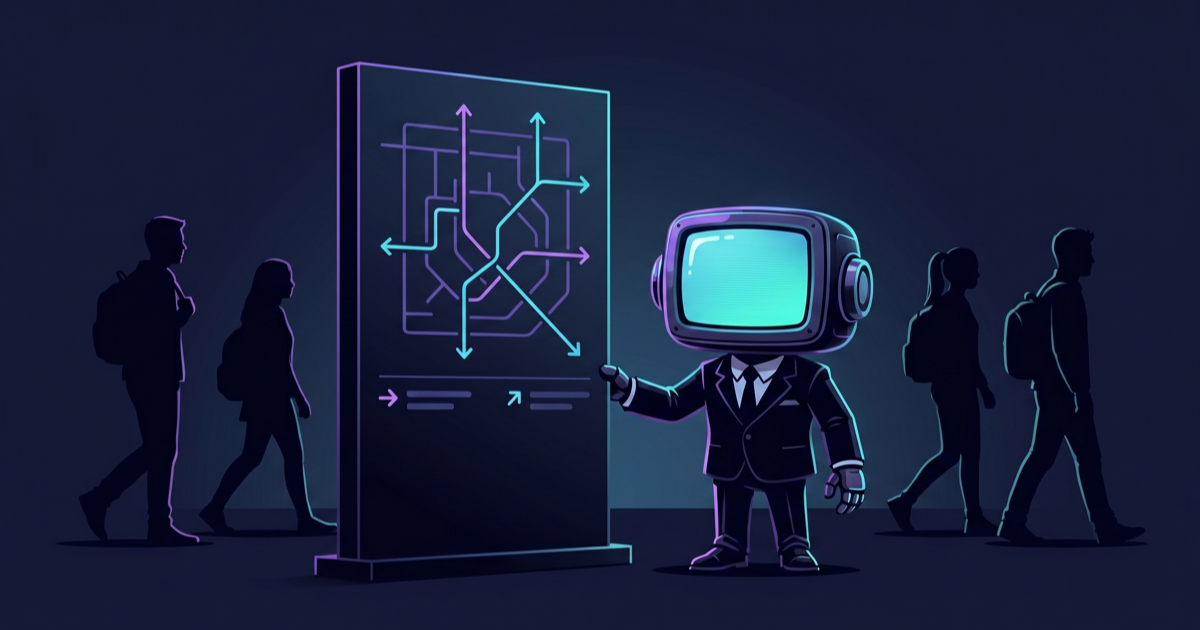
Campus-wide wayfinding kiosks, classroom information panels, cafeteria menu boards, library quiet-zone alerts, emergency broadcast capability, student-life event boards — GoVista runs every signage surface on your campus from one dashboard with delegated department editing.
Why GoVista for this industry
- 1.Delegated editing: each department edits its own content; central IT keeps approval authority
- 2.Emergency override: campus-wide emergency message broadcasts to every screen in under 15 seconds
- 3.Cafeteria menu integration: pull from your dining-services API; auto-update daily menus
- 4.Multi-language: international student populations get content in their language
- 5.Event announcement boards: students post events through a moderation workflow (approved postings push to all student-life screens)
- 6.Calendar-aware: classroom panels show the current and next class in the room, auto-synced with the academic schedule
Use cases
Real scenarios we solve for operators in this space.
Campus-wide wayfinding network
Touch kiosks at every building entrance let students and visitors navigate to classrooms, offices, libraries, dining halls. Multi-language. Updates push centrally when offices move or new buildings open.
Classroom information panels
Small displays outside every classroom show the current class, instructor, and the next reservation. Auto-syncs with the academic scheduling system. Color changes (green/orange/red) signal availability for ad-hoc bookings.
Cafeteria daily menu board
Cafeteria screens pull the day's menu from the dining-services API. Daypart rules switch from breakfast menu to lunch to dinner automatically. Special dietary information (vegetarian, halal, gluten-free) appears as iconography on each item.
Emergency broadcast capability
Campus security can push an emergency message (lockdown, fire alarm, weather alert) to EVERY screen on campus from a phone in under 15 seconds. The emergency template overrides whatever is currently playing. Auto-clears when the all-clear is given.
Recommended hardware
Player platforms that work best for this industry.
Frequently asked questions
Can different departments manage their own signage?
Yes. GoVista's role-based access lets you delegate content editing to specific departments (athletics, library, dining, student life) while keeping central IT in control of device management and approval workflows. Each department sees only their own content and screens.
How does emergency override work?
Campus security has a special role that can push a campus-wide emergency message instantly. The message overrides all currently-playing content on every screen in under 15 seconds. Pre-defined emergency templates (lockdown, fire, weather, all-clear) make this one tap from a phone.
Does GoVista integrate with student information systems?
Via REST API, yes. Most SIS platforms can push schedule updates to GoVista, and we provide webhook endpoints for academic-calendar events. Custom integrations with major SIS platforms (Blackboard, Canvas, etc.) are supported — contact us with your specific platform.
What hardware works for educational environments?
Commercial Samsung Tizen or LG webOS panels for high-traffic areas (rated for 24/7 operation); Android tablets for classroom-information panels (cheaper, fine for smaller spaces); Windows kiosks for interactive wayfinding (touch input); all managed from one dashboard.
Modernize campus signage
From classroom doors to emergency broadcasts, GoVista handles every campus surface.